Mastering Remote Teaching: Best Practices for Virtual Classrooms
Welcome to the new era of teaching – remote teaching. With the rise of virtual classrooms, educators have been forced to adapt and master the art of remote teaching. As schools and universities around the world have transitioned to online learning, teachers are now facing new challenges and opportunities in delivering their lessons and engaging with students through a computer screen. In this article, we will explore the best practices for mastering remote teaching and creating an effective virtual classroom experience.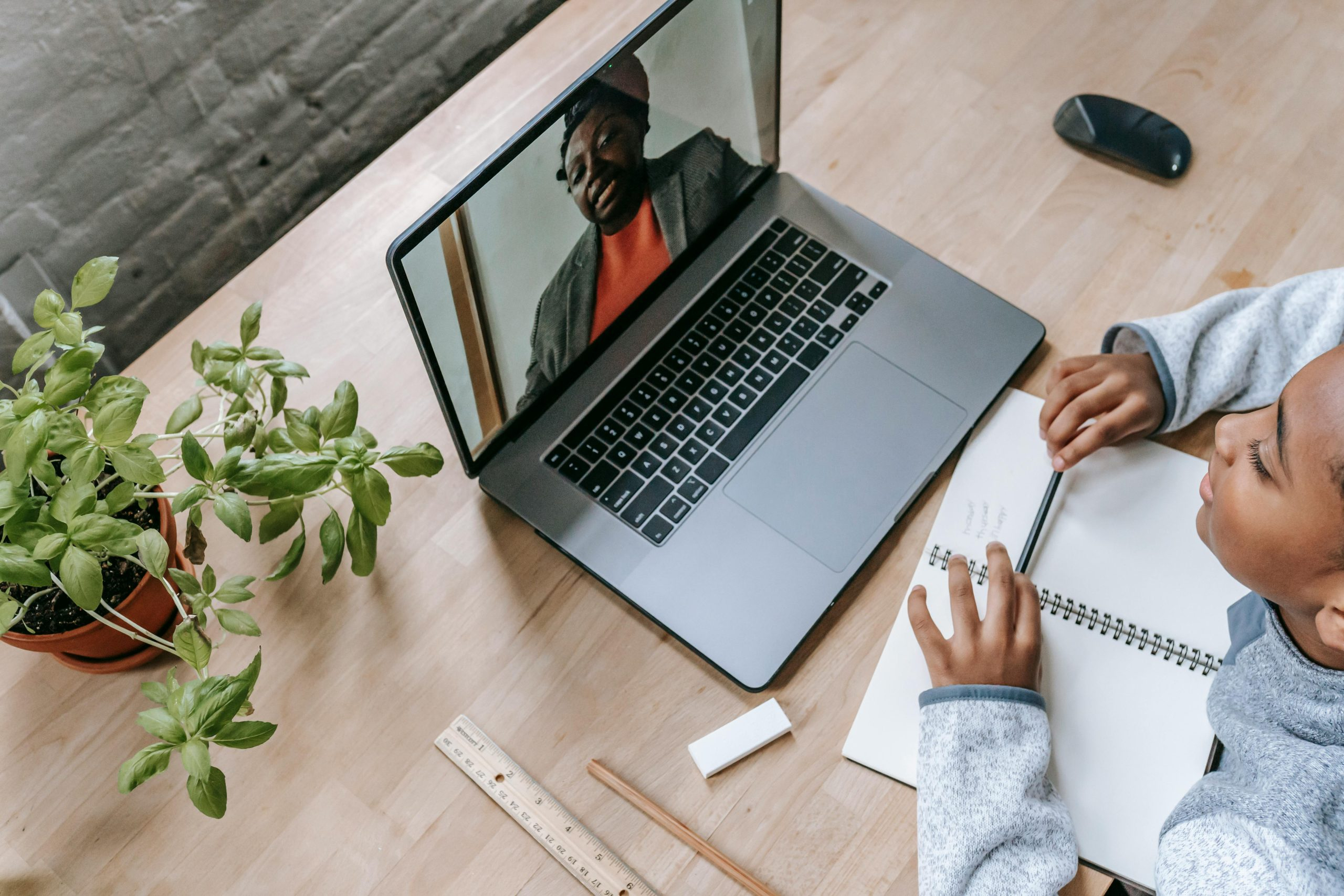
The Importance of Mastering Remote Teaching
Remote teaching has become the new norm for many educators, and it’s not going away anytime soon. In fact, it has become a necessary skill for teachers to have in their toolkit, even as schools and universities start to slowly reopen. As the world continues to evolve and technology becomes more integrated into our daily lives, remote teaching skills will only become more valuable. Therefore, it’s essential for educators to master remote teaching in order to provide students with the best education possible, regardless of the circumstances.
Setting Up the Virtual Classroom
Choose the Right Technology
The first step in mastering remote teaching is to choose the right technology for your virtual classroom. It’s crucial to select a platform that is user-friendly for both you and your students. Some popular options include Zoom, Google Meet, and Microsoft Teams. These platforms offer features such as screen sharing, breakout rooms, and chat functions that can enhance the virtual classroom experience.
Create a Welcoming Environment
Just like a physical classroom, a welcoming virtual environment is essential for students to feel engaged and connected. Customize your virtual classroom with a background that reflects your personality and teaching style. Consider using a virtual whiteboard or other interactive elements to make your lessons more interesting and engaging.
Engaging Your Students in the Virtual Classroom
Be Prepared and Organized
To keep students engaged in the virtual classroom, it’s crucial to be prepared and organized. Make sure to have all your materials and lesson plans ready before each class. Utilize tools such as Google Drive or Dropbox to keep your files organized and easily accessible. This will help prevent any technical difficulties and keep the flow of the lesson uninterrupted.
Use Interactive Teaching Strategies
One of the challenges of remote teaching is keeping students engaged and focused. To combat this, use interactive teaching strategies that encourage student participation. Some examples include polls, quizzes, and breakout room discussions. These activities not only keep students engaged but also create opportunities for them to interact with their peers.
Utilize Multimedia
Incorporating multimedia such as videos, images, and animations into your lessons can help break up the monotony of staring at a screen for extended periods. It’s also a great way to appeal to different learning styles and make your lessons more engaging and interactive.
Building Strong Connections with Your Students
Communicate Regularly
Due to the nature of remote teaching, it’s essential to communicate regularly with your students to keep them motivated and on track. Send out weekly emails or reminders with important information and updates. Take advantage of the chat function during live classes to answer students’ questions and provide feedback.
Encourage Collaboration
Collaboration is key to building a strong connection with your students. Encourage them to work together on projects and assignments, whether it be through virtual breakout rooms or online group discussions. This will not only foster teamwork but also help students feel more connected to their classmates and the lesson material.
Provide Individual Support
It’s essential to provide individual support to students who may be struggling with the transition to online learning. Create office hours where students can schedule one-on-one video calls with you to address any concerns or questions they may have. This will show your students that you are invested in their success and well-being.
Conclusion
Remote teaching may have its challenges, but with the right tools and strategies, it can be a highly effective and engaging experience for both teachers and students. By following these best practices, you can master the art of remote teaching and provide your students with a quality education, no matter the circumstances. As we continue to navigate these unprecedented times, let’s embrace the opportunities that remote teaching has brought and continue to evolve as educators.